Add a Bookmark
Bookmarks can be added for any view.
-
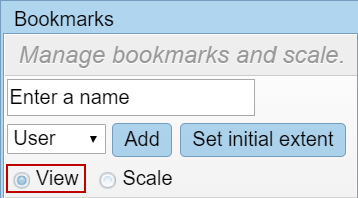
- Select View in the Bookmarks panel.
- Navigate the map to the desired location and extent.
- Enter a name for this view in the Enter a name field.
- Select either Domain, Group, or User from the drop-down list to specify who is able to view this bookmark.